
Welcome Students. Empower Visitors. Simplify Campus Life.
From freshmen finding their way to guests attending events — HootBoard’s kiosks make your campus smarter, safer, and easier to navigate without downloads or help desks.
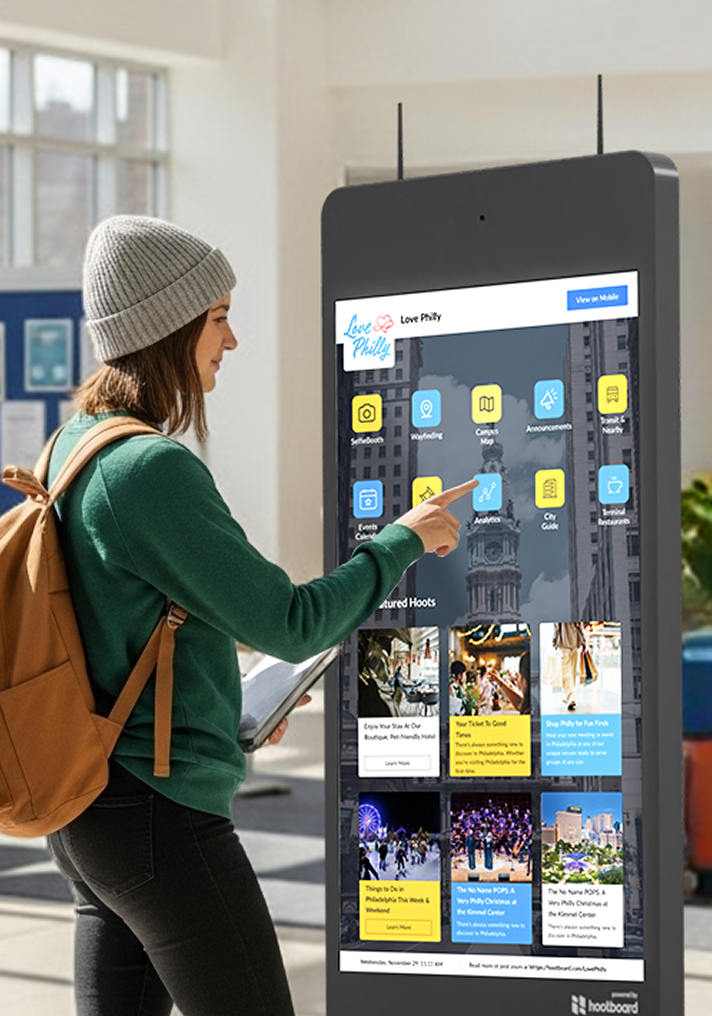
Solve the Daily Disconnect on Campus
HootBoard turns campus chaos into clarity — helping students navigate, stay updated, and participate.
Students Get Lost — Literally and Figuratively
Interactive maps and auto-updating info boards reduce orientation chaos, building confusion, and event FOMO.
Departments Compete for Attention
Clubs, academic services, and admin teams each get a dedicated voice on screens students actually look at.
Apps Get Ignored
HootBoard lives in high-traffic places — no downloads, just real-time visibility.
Emergencies Don’t Wait for Emails
Push alerts across all kiosks instantly — from weather warnings to safety updates.
Turn Navigation Into Orientation
Interactive maps help freshmen find classes and guests find buildings, with filters and mobile QR handoff.
Promote Events That Actually Get Seen
Auto-synced calendars from Google, Outlook, or your CMS — filtered, themed, and browsed visually.
The Communication Tool Campus Teams Actually Love
Decentralized but Organized
Let departments manage their own content while keeping university-wide control by building, zone, or team.
Save Time With Automation
Sync announcements and events from Google Calendar, Drive, social, and CMS. Schedule once, push everywhere.
Built for Campus Workflow
Student services, safety, housing, career centers, clubs, and orientation share space without conflict.
No IT Dependency
Drag-and-drop content management, pre-built templates, and easy update flows. No code, no bottlenecks.
Train in Minutes, Not Weeks
Staff and admin onboarding takes under 30 minutes — no steep learning curve.
Scalable Across Campuses
One college or a multi-campus university — manage every screen and message from one dashboard.
Smart Kiosks for Every Building, Hall, and Quad
Whether it’s a welcome desk or an outdoor shuttle stop, there’s a HootBoard kiosk for it.
 01
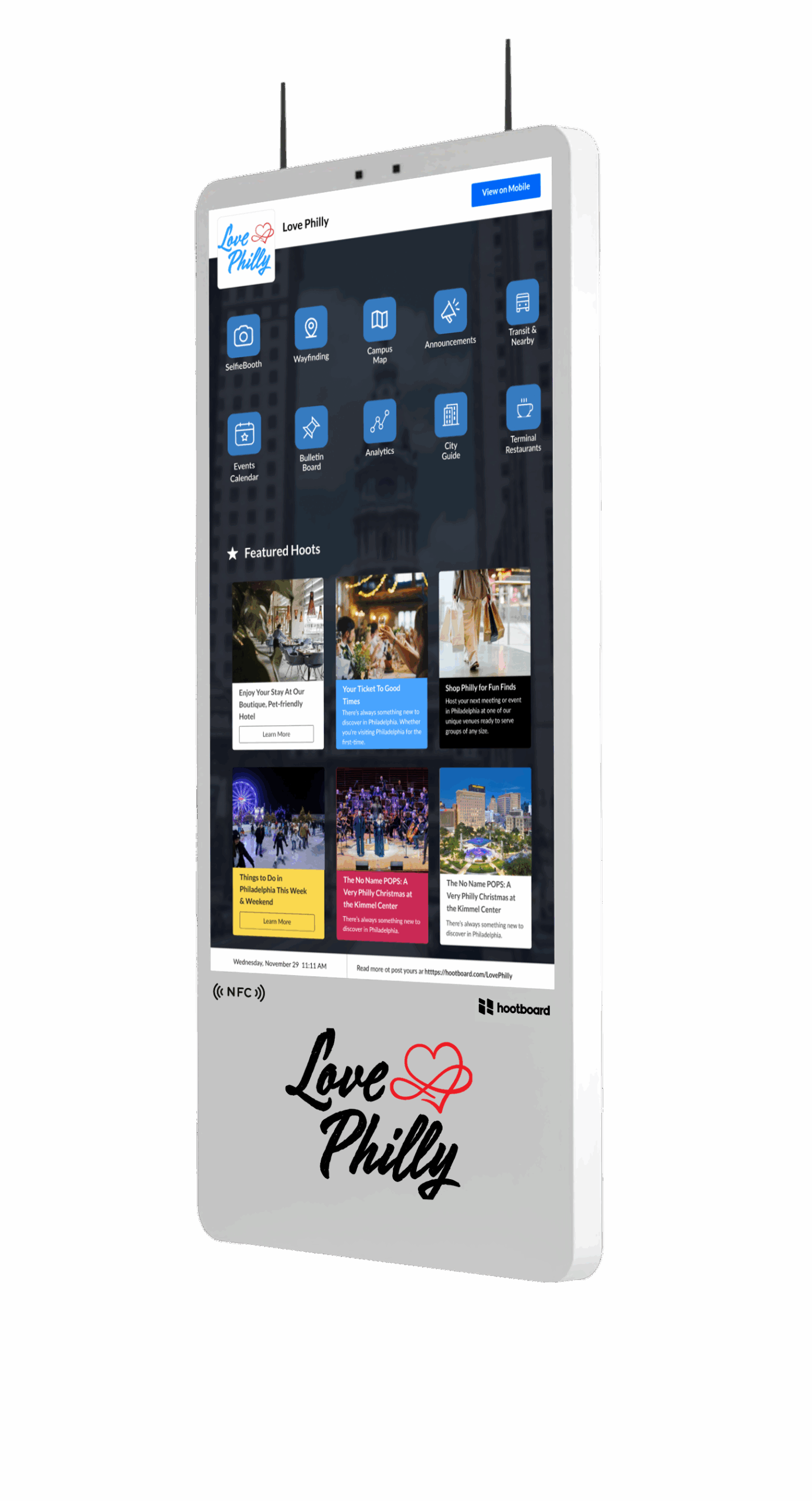
01AirX — Sleek Indoor Touchscreen
A premium 43″ 4K kiosk with built-in camera. Great for lobbies, visitor centers, and upscale indoor spaces.
Learn more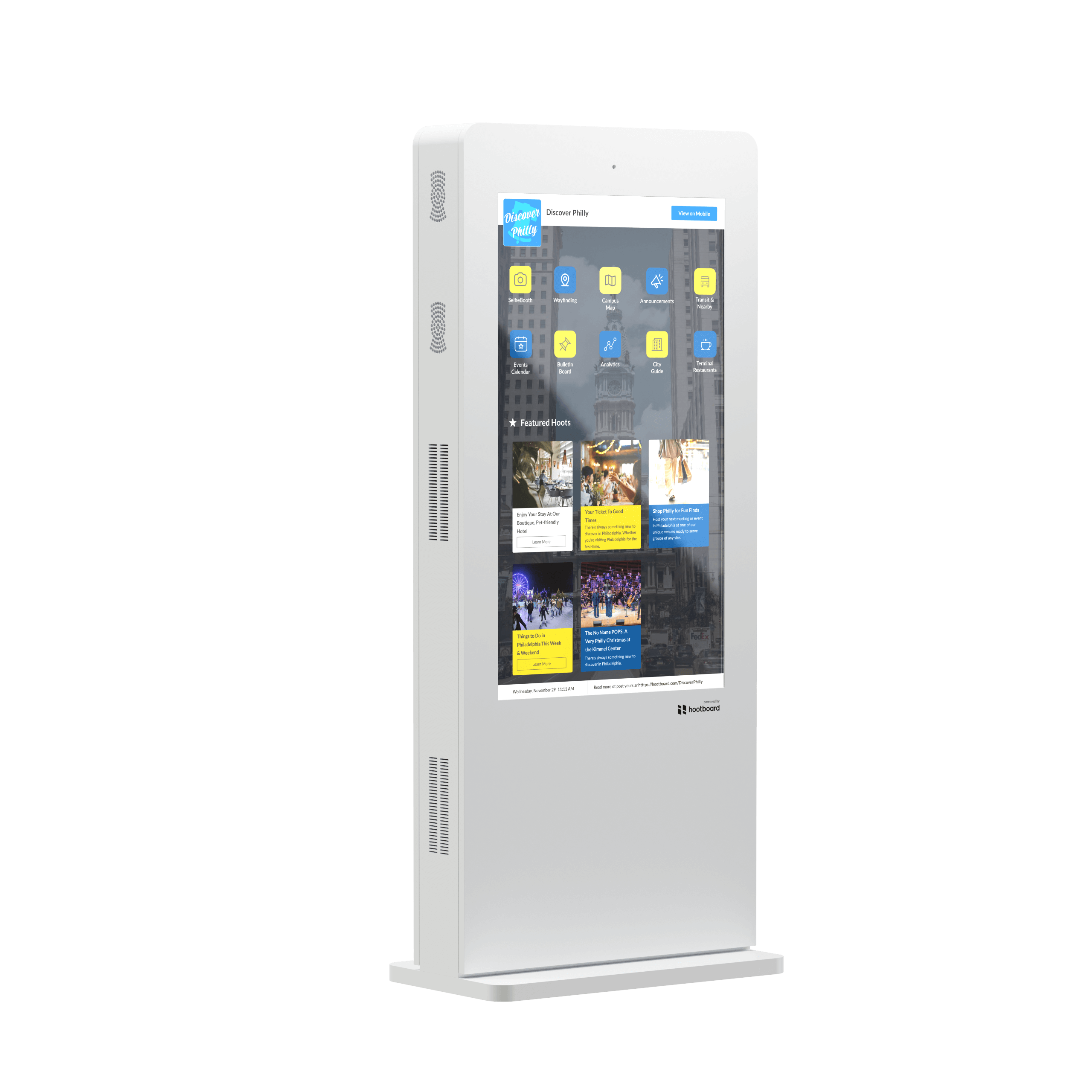 02
02Glide XT — Rugged Indoor Display
Perfect for high-traffic zones like transit hubs, malls, or college campuses. Built for continuous use.
Learn more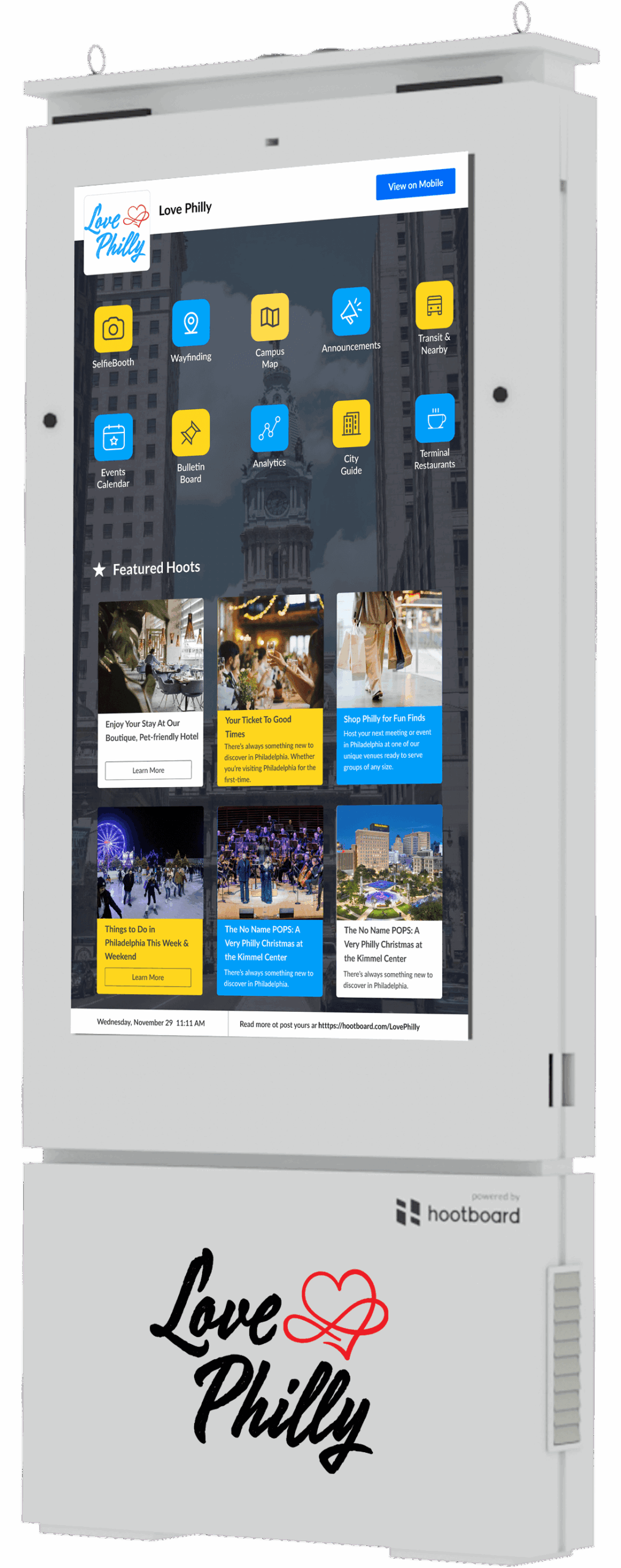 03
03Glide OT — Outdoor-Ready Unit
Weatherproof, bright, and ready for the elements — ideal for trails, downtowns, and parks.
Learn moreYou Asked. We Answered.
Here are some of the most common queries we hear from customers.
How does HootBoard help universities improve campus communication?
Kiosks act as digital info hubs — helping students find announcements, events, maps, department updates, and emergency alerts in one interface.
Where should kiosks be installed on campus?
Student unions, libraries, residence halls, academic buildings, dining areas, and lobbies — wherever students gather.
Can students access the kiosk content on their phones?
Yes. Every board can be shared via a mobile-friendly link or QR code for hybrid engagement.
Can HootBoard be used for campus wayfinding?
Yes. Interactive wayfinding helps students and visitors navigate buildings, departments, and facilities.
What kind of content can we display on a campus kiosk?
Event calendars, academic announcements, club activities, maps, safety alerts, dining menus, and social feeds.
Does HootBoard support multiple departments or campuses?
Yes. Create unique boards for different departments, campuses, or residence halls with tailored content.
Is HootBoard useful for new student orientation?
Absolutely. Display schedules, maps, FAQs, videos, and welcome messages to guide new students on day one.
Can we collect feedback or run surveys through HootBoard?
Yes. Publish forms or QR codes leading students to feedback surveys and polls.
How do we schedule a demo or request a proposal?
Schedule a demo with our team to explore how HootBoard can transform your campus experience.
Create a More Informed, Connected Campus
No apps. No downloads. Just plug, post, and power real-time student connection.