
Interactive Wayfinding for Smarter Visitor Navigation
Help people explore your space without confusion. HootBoard’s interactive wayfinding works across campuses, downtowns, and venues — on touchscreen kiosks or mobile via QR.
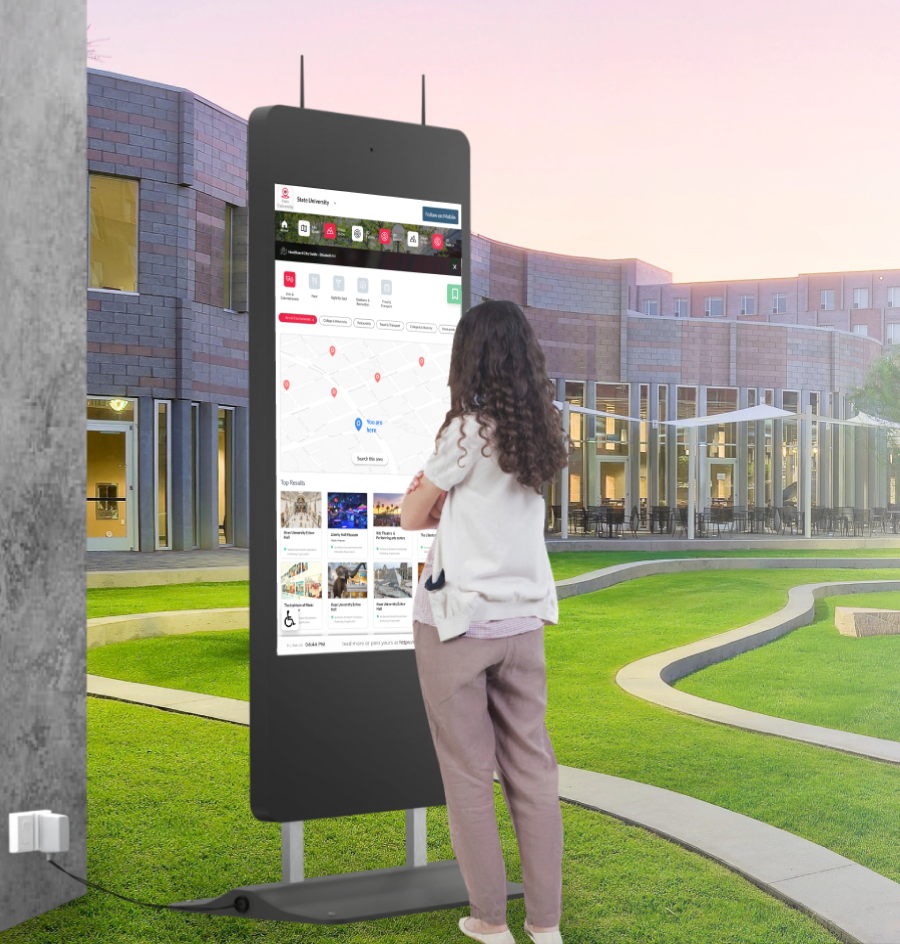
Help Visitors Find Their Way Instantly
Today’s visitors expect immediate, accurate directions.
Fast, Frictionless Navigation
Kiosks provide instant location help without relying on staff.
Reduced Staff Interruptions
Fewer “where is this?” questions to front-desk and security teams.
Language & Accessibility Support
Serve diverse visitors with multilingual instructions and mobile QR access.
Operational Efficiency
Let your team focus on service while kiosks guide foot traffic automatically.
Consistent Experience
Every guest receives the same, up-to-date directional support.
Everything Your Visitors Need to Navigate Without Asking for Help
Location-Aware Mapping
Shows a “You Are Here” marker with turn-by-turn walking directions, and adapts automatically if the kiosk is relocated.
Multi-Zone & Multi-Floor Routing
Navigate across buildings, floors, and wings — with elevators, ramps, stairs, and accessible routes.
Searchable Points of Interest
Search by keyword, category, or tag (e.g. “cafeteria”, “restroom”) with suggestions as users type.
QR-to-Phone Hand-off
Scan a QR code to continue the route on mobile — great for events, students, or anyone on the move.
Branded Maps & Visual Themes
Use your colors, icons, fonts, and landmark images to reinforce identity and improve clarity.
Smart Recommendations
Highlight high-traffic or time-sensitive destinations, adjusted by day, time, or interest.
Event-Based Wayfinding
Tie maps to live events so visitors tap “Take Me There” — paths adjust to room changes and crowd load.
Total Control Without Technical Complexity
Built into the HootBoard OS, our wayfinding tools let you control maps, content, and routes — no code required.
Drag-and-Drop Map Editor
Upload floor plans or custom layouts, pin locations, name POIs, and assign icons.
Route Builder
Define walking paths between any two points, mark stairs and elevators, and set time estimates.
Dynamic Content Linking
Link map points to event pages, announcements, or alerts — e.g. tap a room to see today’s agenda.
Offline Compatibility
Route data is cached automatically, so kiosks keep working during internet downtime.
Plug into Existing Systems
Sync with Google Calendar, Office 365, city feeds, access systems, or custom APIs.
Actionable Analytics
See top-searched destinations, common paths, and confusion points to optimize layouts.
Choose the Kiosk That Fits Your Environment
Whether indoors or outdoors, we have the right hardware to support your wayfinding experience.
 01
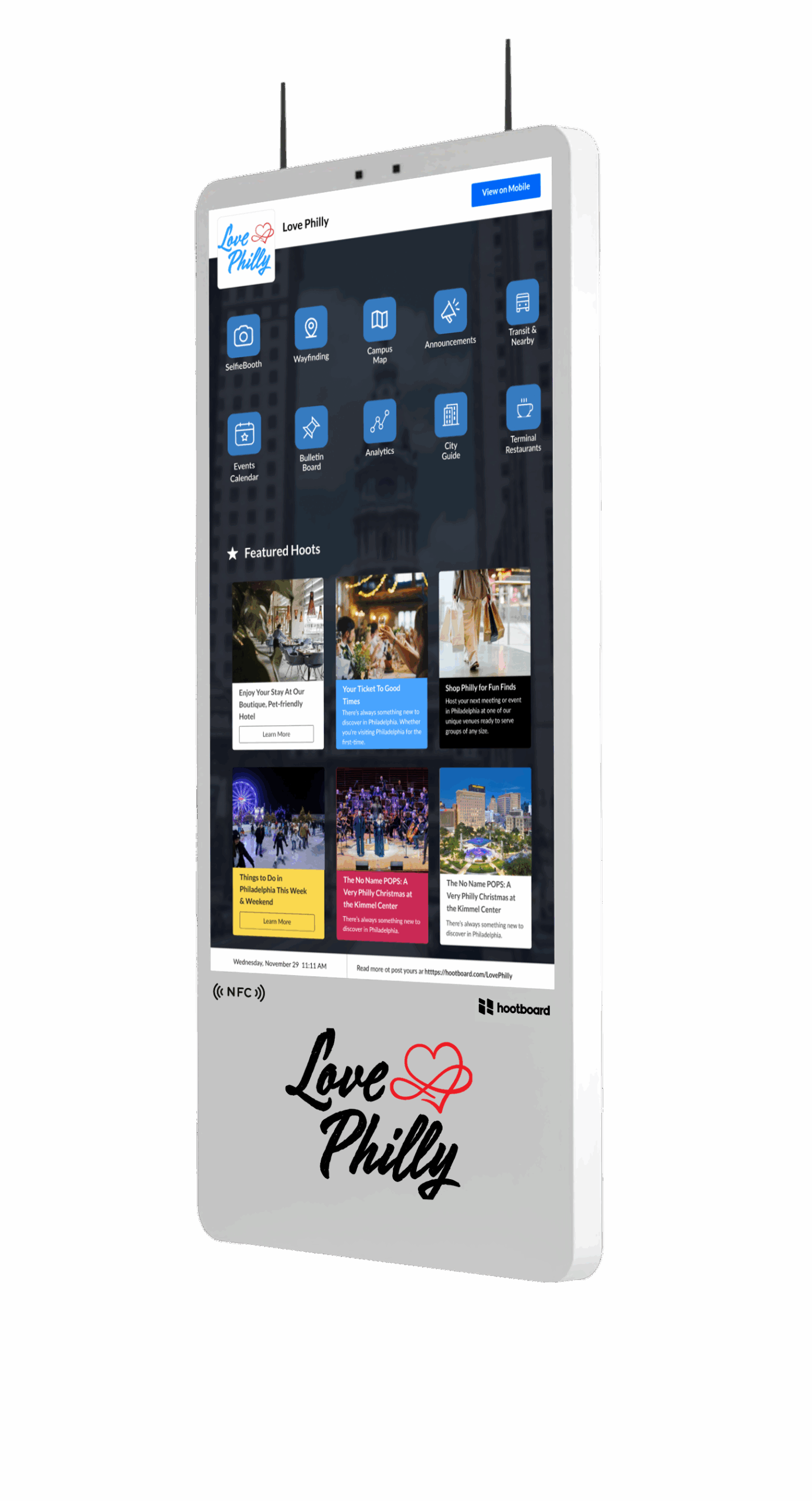
01AirX — Sleek Indoor Touchscreen
A premium 43″ 4K kiosk with built-in camera. Great for lobbies, visitor centers, and upscale indoor spaces.
Learn more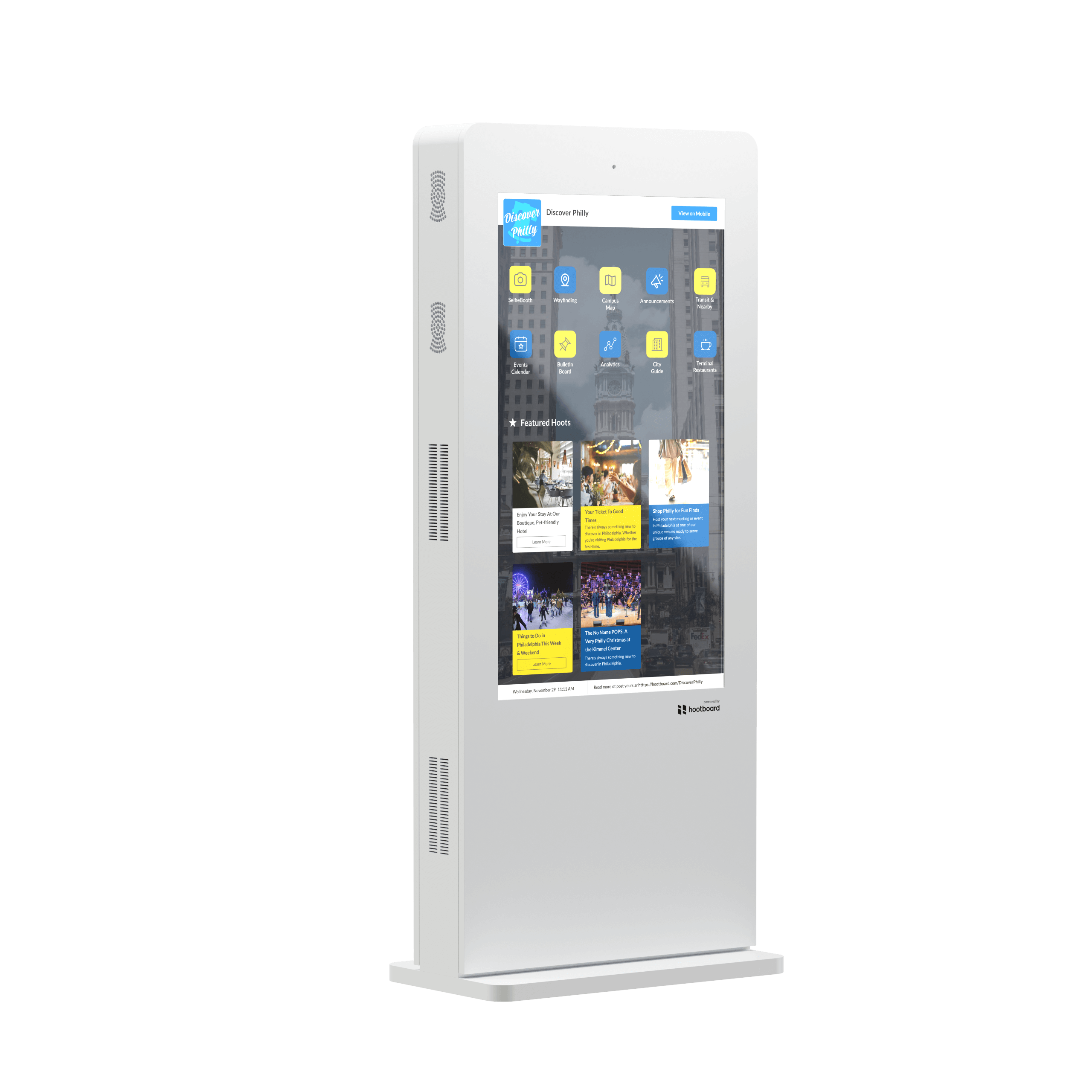 02
02Glide XT — Rugged Indoor Display
Perfect for high-traffic zones like transit hubs, malls, or college campuses. Built for continuous use.
Learn more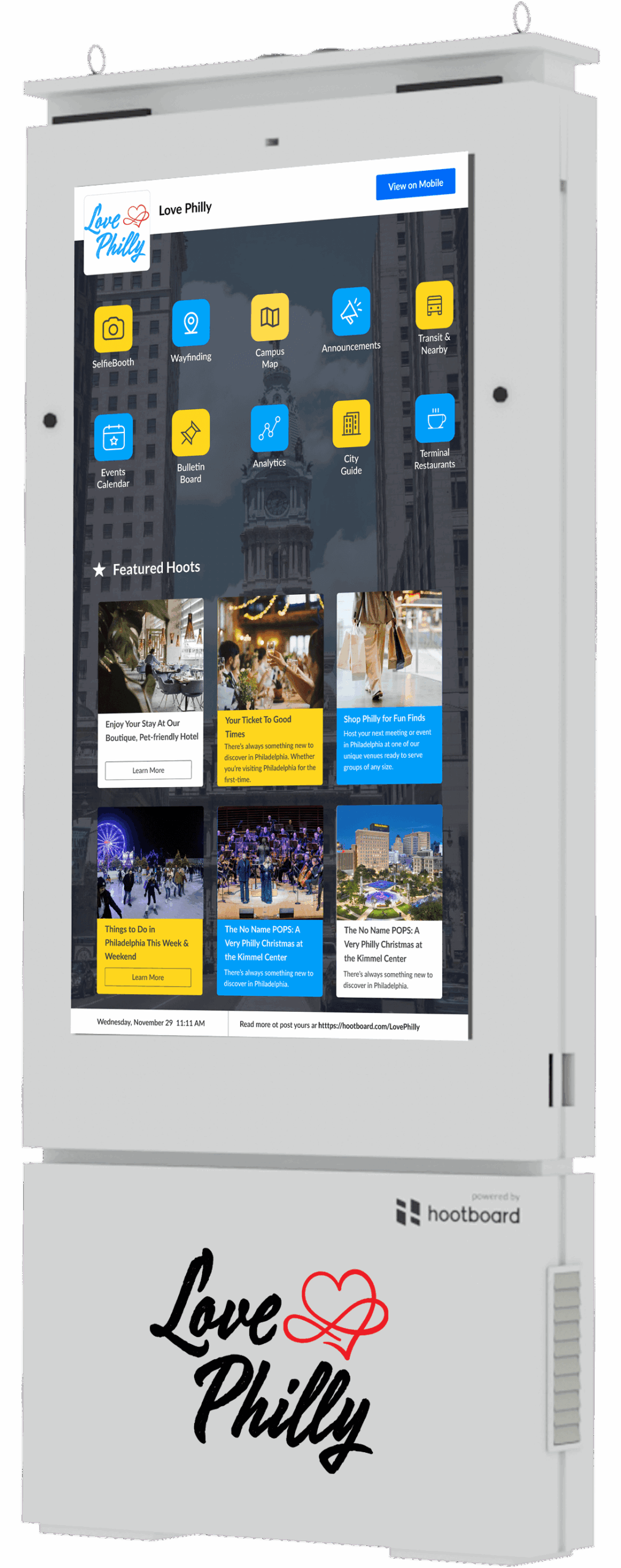 03
03Glide OT — Outdoor-Ready Unit
Weatherproof, bright, and ready for the elements — ideal for trails, downtowns, and parks.
Learn moreYou Asked. We Answered.
What is HootBoard’s wayfinding feature?
HootBoard’s wayfinding feature lets visitors use touchscreen kiosks to view interactive maps, search locations, and get step-by-step directions within your property or campus.
Where can the wayfinding feature be useful?
It’s ideal for campuses, hospitals, hotels, airports, office parks, museums, and any large venue where people need help navigating.
Can I customize the wayfinding experience for my location?
Yes. You can fully customize maps, location names, categories, and points of interest — all tailored to your specific venue layout and visitor needs.
Does the kiosk provide turn-by-turn directions?
Yes. Visitors can select a destination on the screen and get visual step-by-step paths, including walking directions or the nearest elevators, restrooms, and exits.
Can users scan a QR code to take the map on their phone?
Absolutely. Every kiosk-generated route can be handed off to mobile through a scannable QR code, so users can continue navigating from their phones.
Can we update our maps or locations over time?
Yes. Maps and directions can be updated anytime through your HootBoard admin dashboard — useful when layouts change or temporary events pop up.
Is the wayfinding feature available on both indoor and outdoor kiosks?
Yes. The feature works across all kiosk types and is optimized for both indoor environments (like lobbies) and outdoor settings (like public parks or campuses).
Can we include multiple floors or buildings in the map?
Yes. You can build multi-floor or multi-building navigation experiences with layered views, elevator/stair logic, and segmented destinations.
Does wayfinding support ADA-compliant navigation?
Yes. Routes can be tagged for accessibility, ensuring ADA-friendly paths are available for users with mobility needs.
How can we see a live demo of the wayfinding feature?
You can schedule a demo with our team to explore how wayfinding can improve navigation at your location.
Guide Every Visitor with Confidence
Talk to our team about adding interactive wayfinding to your space.