
Smarter Digital Signage for Every Screen
Turn TVs, displays, or kiosks into dynamic communication hubs. HootBoard delivers real-time alerts, engaging content, and updates across locations — all managed from one dashboard.
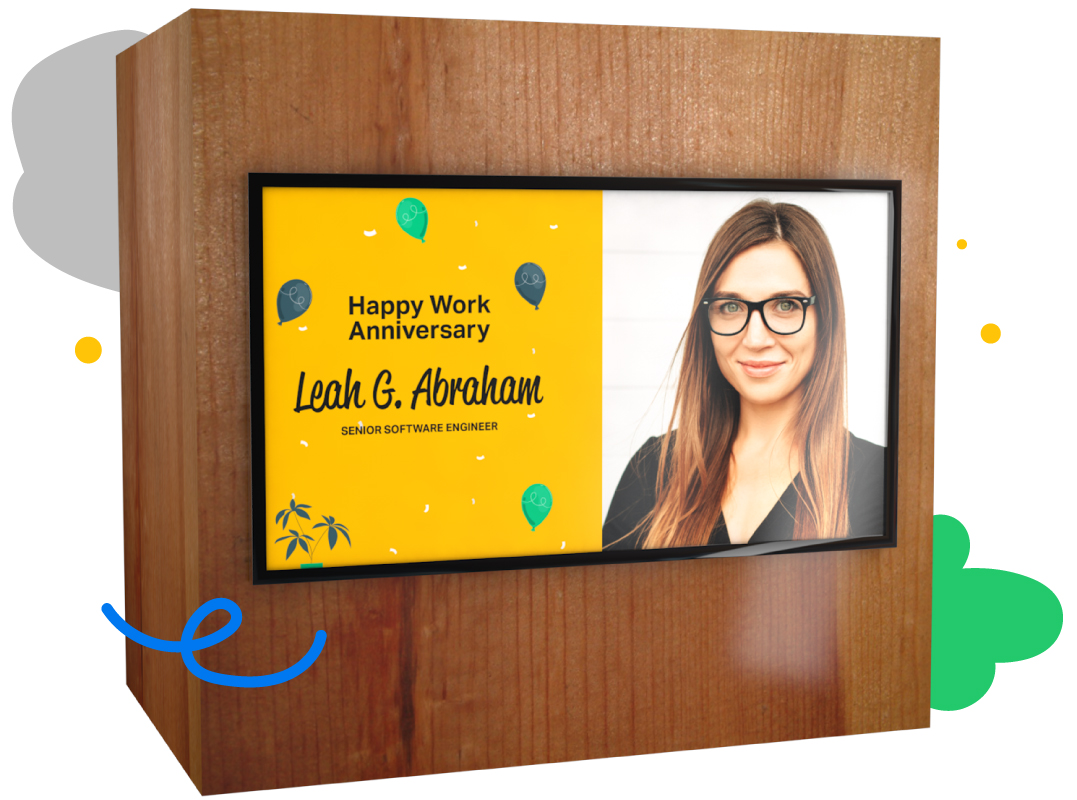
Digital Signage That Adapts to Your Environment
More than a slideshow — HootBoard gives you powerful, centralized control for modern communications.
Live Announcements & Alerts
Send urgent updates instantly across one or many screens.
Location-Aware Content
Deliver screen-specific messaging — from lobbies to lunchrooms.
Timed Playlists
Run scheduled content that changes by time of day or day of week.
Dynamic Content Feeds
Auto-play YouTube videos, news tickers, weather, social media, and more.
Fully Branded
Apply your logo, fonts, and theme for brand consistency.
Offline-Ready
Auto-cached content ensures your screens never go blank.
Digital Signage That Works Harder for You
Control content across your screens without extra hardware or teams.
Auto-Updated Feeds
Pull content from Google Calendar, YouTube, Twitter, RSS, or other sources automatically.
Modular Layouts
Combine videos, slides, bulletins, QR codes, and more into beautiful, branded layouts.
Analytics Dashboard
See which screens get the most views, content playtime, or user interaction.
Remote Control
Update screens from your dashboard individually or in bulk.
Screen-Level Targeting
Create tags and groups to deploy content to specific buildings, floors, or devices.
Team Permissions
Let different departments control their own content zones — while maintaining branding.
You Asked. We Answered.
Here are some of the most common queries we hear from customers.
What is HootBoard’s digital signage system?
HootBoard turns any screen — kiosks, TVs, or wall-mounted displays — into a smart messaging system for announcements, alerts, videos, and real-time updates.
Do I need a touchscreen to use HootBoard’s digital signage?
No. It works on non-touch screens too — display passive, rotating content without requiring user interaction.
Can I schedule content to play at specific times?
Yes. Create scheduled playlists and time-bound campaigns so content appears only at specific dates and times automatically.
Does it work without an internet connection?
Yes. HootBoard auto-caches content so signage remains functional even in low- or no-connectivity environments.
Can I manage signage content remotely?
Absolutely. The cloud dashboard lets you manage and publish content to any screen from any location.
What types of content can I display?
Announcements, alerts, videos, social media feeds, RSS content, PDFs, and custom visuals — all branded to your organization.
Can I display different content on different screens?
Yes. Each screen can be assigned a unique ID, letting you target content to specific locations, departments, or venues.
Is branding and layout customizable?
Yes. Customize signage with logos, themes, color schemes, and layout preferences to reflect your brand.
What kind of setup is required?
No complex installs — plug in a supported device, connect to the internet, pair it with your screen ID, and start publishing in under 10 minutes.
How does digital signage connect with the rest of HootBoard?
Signage is part of the broader OS — it works alongside interactive apps, bulletin boards, feedback tools, and integrations from a single platform.
Put Your Screens to Work
HootBoard makes digital signage easy, scalable, and impactful — from alerts to engagement.